




This is a historical page from the old MaxMax.com website. Please use the current site at www.MaxMax.com.
|
This is a historical page from the old MaxMax.com website. Please use the current site at www.MaxMax.com. |
 |
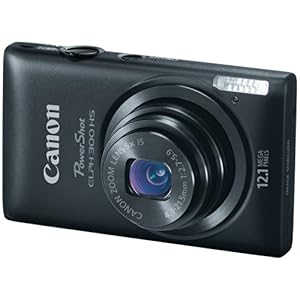
Model: XNiteCanonELPH110NDVI 16.1 Megapixel Point & Shoot Lightweight 3-Band Vegetation Stress Camera
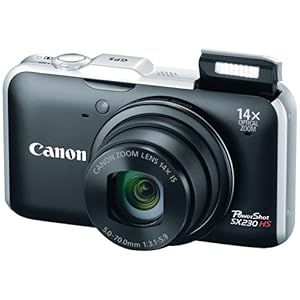
Model: XNiteCanonSX236NDVI 12.1 Megapixel Point & Shoot Lightweight 3-Band Vegetation Stress Camera with GPS
Key Features
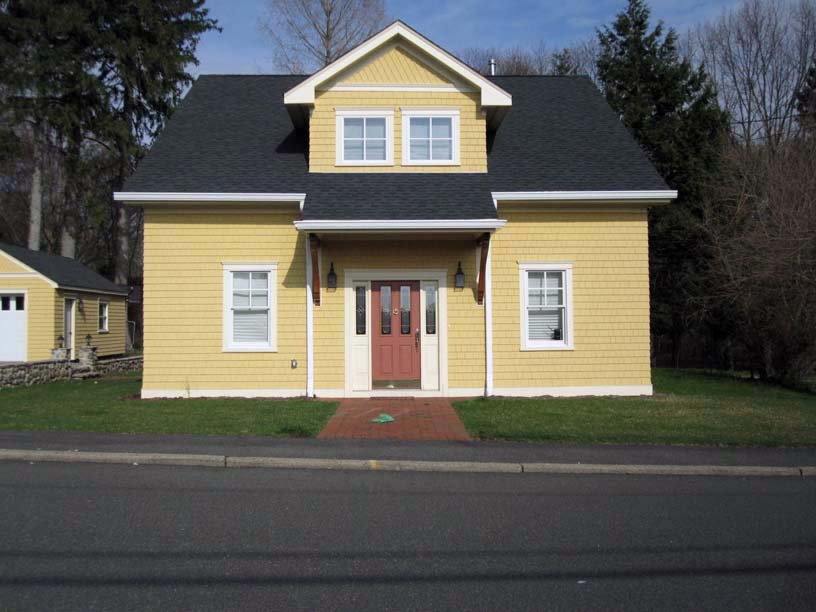
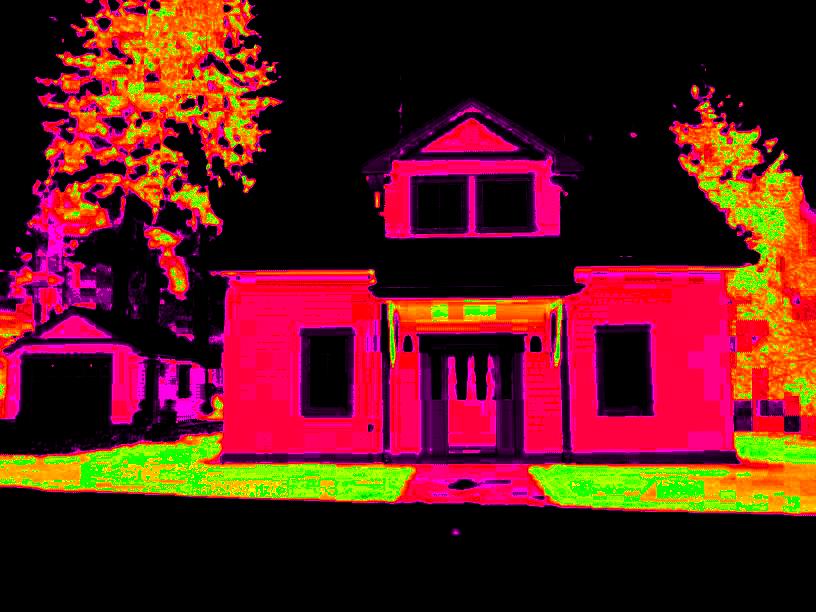
What is this? The NDVI cameras are a tool to evaluate plant stress. How does it work? The camera has been modified so that it captures both visible light and infrared light in different color channels. Healthy plants reflect green light and infrared light while absorbing blue and red light. When plants are not healthy, this relationship changes. By looking at the mathematical relationship between the visible light and infrared light, we can gauge the health of a plant. How do I use the camera? You take a picture preferably in overhead sunlight between 10:00 AM and 2:00 PM. You copy or transfer the image to a computer and process the image with our RSE software or other comaptible software. The RSE software will create a false color image that allows you to quickly identify healthy and stressed vegetation. Can I do this in the field? If you have a laptop with wireless capability, you can use a wireless SD storage card such as the Wi Fi to wirelessly and automatically transfer the image from the camera to the laptop. Then you can process the image with RSE to instantly generate a stress picture. We recommend that you keep the picture size small or medium so that you can quickly process the picture. You could also transfer the image by taking storage card out of the camera and manually transferring the image to the laptop. Is it hard to use? Not particularly. You need to take a picture, transfer the image to a computer and then process the image. The hardest part is the initial process of installing the software and figuring out how you want to transfer the image from the camera to the computer. Our RSE software can be used interactively to explore the image using various vegetation indices and false color maps in real time. Please note that we no longer support ImageJ for processing the images. Our RSE software is over 100x faster and much easier to use. Can you show me an example? Below is a quick example showing a normal image and an image from the ELPH300NDVI camera after is has been processed. The healthiest areas are the brightest green while the stressed areas show up in yellow, red and black. There are lots of other examples on our site and a more technical discussion about the technology if you are inclined.
|
|
Send mail to [email protected] with
questions or comments about this web site.
|